
How to Install a 24 VAC Wi-Fi Thermostat: PCT5231-W-TY Step by Step
What do I need before I start?
- A Phillips screwdriver, a flat head screwdriver, pliers and wire strippers, a pencil, and a drill with a 3/16-inch bit
- The box contents: thermostat, backplate, trim plate, screws, nuts, drywall plugs and wire labels
- Optional: the C-wire adapter and the remote zone sensor
The steps below summarise the PCT5231-W-TY quick start guide. Always follow the full guide and local regulations; in some regions a professional installation is required.
Installation steps
- Turn off the power to the HVAC system at the breaker or fuse box, then try the old thermostat to confirm the system is off.
- Remove the old thermostat faceplate.
- Check compatibility. High-voltage markings (110VAC, 120VAC, 240VAC) mean the system may not be compatible. The thermostat needs a C-wire; without one you need Y/Y1, G and R (Rc or Rh) wires to use the C-wire adapter.
- Take a photo of the old wiring and remove any jumper wires between terminals.
- Choose the label set. Use the heat pump labels if your system has an O/B wire, and the conventional labels if it does not.
- Label every wire. Check special cases such as W2/Aux and Aux2 terminals.
- If there is a C-wire, disconnect the old wires and remove the old wall plate. If there is no C-wire, first install the C-wire adapter at the HVAC control board and then continue.
- Mount the backplate. On a junction box, drill the rear guide holes of the trim plate with a 5/32 inch bit (holes A for a vertical box, B for a horizontal box), join backplate and trim plate with the flat-ended screws and nuts, and fix them to the box.
- Press each labelled wire into its terminal slot and tug gently. One R wire goes to Rc; with two R wires use the Rc and Rh table in the terminals guide. An E wire goes to W2.
- Photograph the new wiring, check for air drafts from the wall hole and press the faceplate onto the backplate.
- Turn the HVAC power back on. The screen lights up and shows SEt.
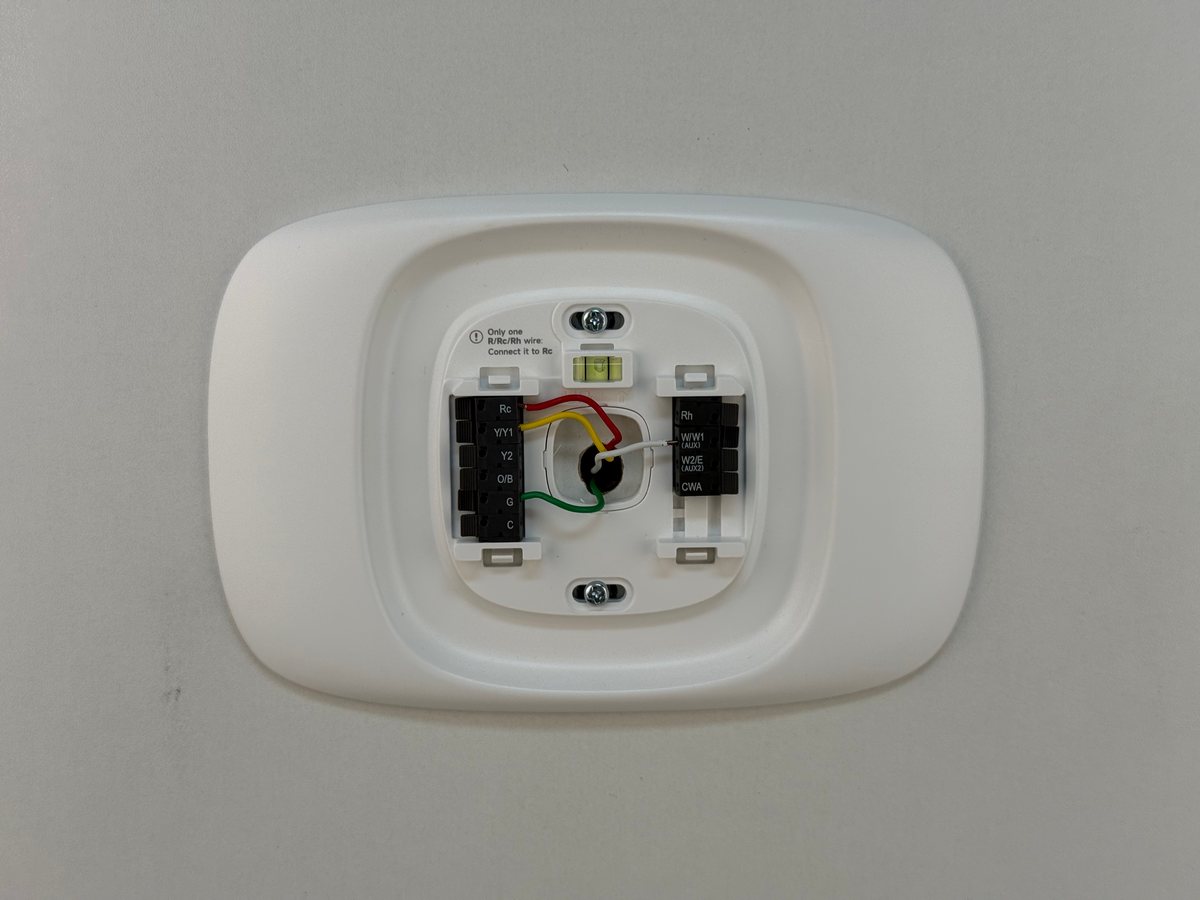
How do I install it without a C-wire?
Take the C-wire adapter to the HVAC control board, label the R (or Rc or Rh), Y/Y1, G and W/W1 wires going to the thermostat, disconnect them one at a time and connect them to the matching terminals of the adapter. Then connect the adapter's 5 wires to the control board. At the thermostat, the Y wire goes to the CWA terminal and the G wire goes to the C terminal, not back to the original Y/Y1 and G terminals. Close the cover panel securely, because many systems will not start with the cover open. See the no C-wire guide for the options.
How do I set it up after wiring?
Download the Smart Life app, create an account, tap Scan and scan the QR code on the thermostat to configure the network. You can also set up the thermostat locally: when the display shows Set, hold the center and up buttons for 3 seconds to open the manual setup page, where you set outdoor and indoor equipment, heat pump type, O/B setting, heat source, emergency heat and number of R wires.
What do the status LED colors mean?
| LED | Meaning |
|---|---|
| Green blinking | Waiting for Wi-Fi pairing |
| Red solid | Connected to the router but not to the cloud |
| Red blinking | Wi-Fi configured but cannot connect to the router |
| Orange solid | Auxiliary or emergency heat in use |
| Orange blinking | System delay to prevent wear |
To factory reset, hold the Up and Down buttons for 10 seconds until the screen shows RST, then hold the center button until the countdown finishes.
Related OWON products
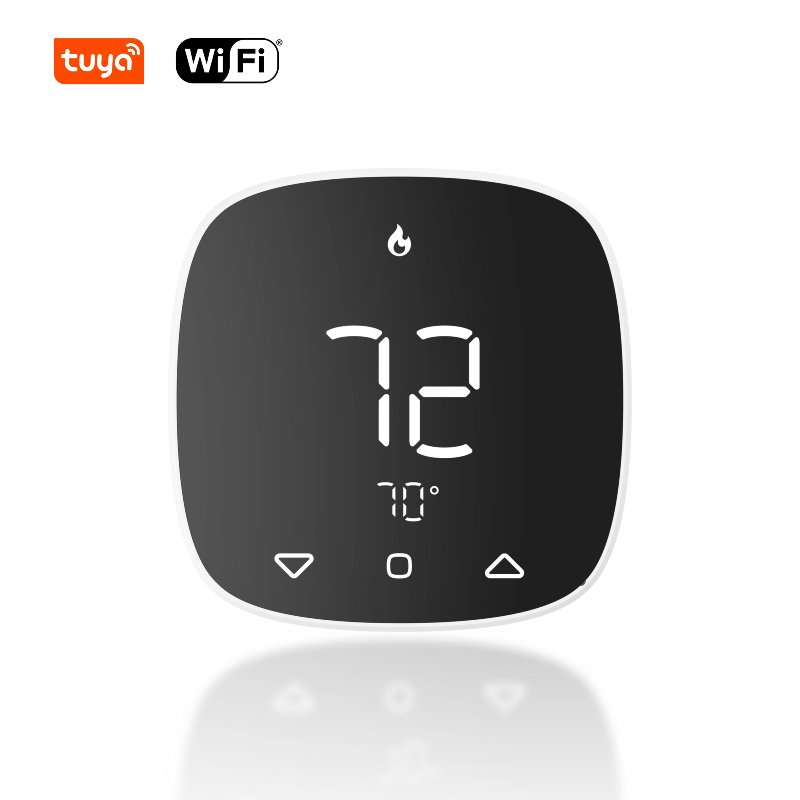 OWON PCT5231 Wi-Fi 24 VAC ThermostatWi-Fi thermostat for most 24 V systems, up to 10 remote sensorsWi-FiTuya
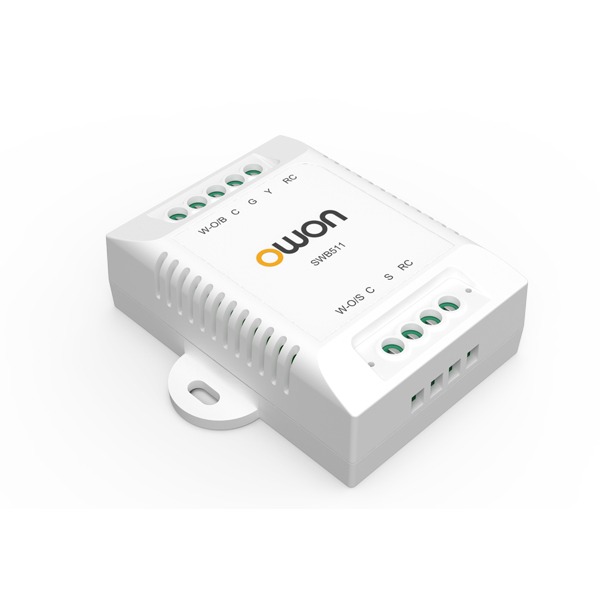 OWON SWB511 Power Module for Thermostats Without a C-Wire24 VAC power module (C-wire adapter) for the PCT513, PCT5231 and PCT533 thermostats
Frequently asked questions
Do I need a C-wire to install the PCT5231-W-TY?
It needs a C-wire for power. If there is none, the optional C-wire adapter works when the old thermostat has Y/Y1, G and R (Rc or Rh) wires.
Is the PCT5231-W-TY compatible with 120 V or 240 V systems?
No. The quick start guide warns that high-voltage systems (110, 120 or 240 VAC) may not be compatible. It is a 24 VAC thermostat.
Which app sets up the PCT5231-W-TY?
The quick start guide uses the Smart Life app. You can also set up the thermostat locally on its buttons.
Related guides
- 24 VAC Thermostat Wiring Terminals Explained: R, C, W, Y, G and O/BA plain guide to the terminals on a North American 24 VAC thermostat (Rc, Rh, C, W1, W2, Y1, Y2, G, O/B) and how they map to OWON Wi-Fi...
- Wi-Fi Thermostat Without a C-Wire: Options for 24 VAC SystemsWhat to do when a 24 VAC system has no C-wire: the OWON SWB511 power module (C-wire adapter), which supports the PCT513-TY, PCT5231-W-TY...
- Heat Pump and Dual Fuel Wi-Fi Thermostats: What to CheckHow OWON PCT513-TY, PCT5231-W-TY and PCT533-W-TY handle heat pumps, auxiliary and emergency heat, and dual fuel or hybrid heat systems.
- How to Install a 24 VAC Wi-Fi Thermostat: PCT533-W-TY Wiring and AccessoriesWiring overview for the OWON PCT533-W-TY 24 VAC Wi-Fi thermostat: conventional 2-stage heating and cooling, ACC1 and ACC2 accessory...
Talk to OWON about your project
Tell us your application, target market and quantity. Our sales team replies with datasheets, protocol documents and pricing.
Send an enquiry WhatsApp +86 13159213403Or email sales@owon.com